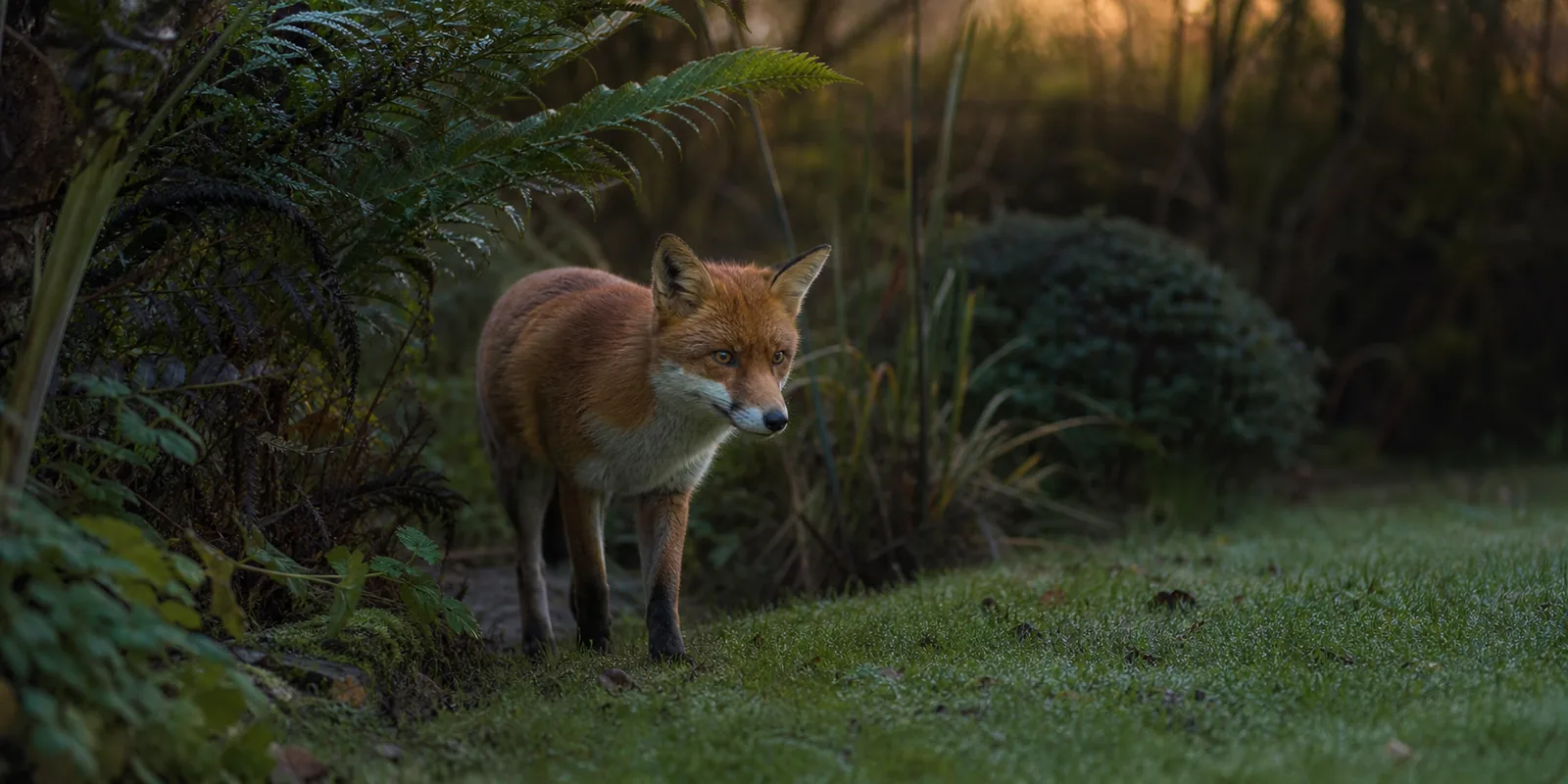
A wildlife camera should be aimed and configured to observe your garden, not people, doors, windows or neighbouring private space.
Design out unnecessary capture
Use the narrowest field of view, lower mounting angle, activity zones and privacy masks available. Avoid shared paths and windows. Disable audio unless it is necessary and justified for the wildlife purpose.
Control access and retention
Use a unique password, two-factor authentication where available, current firmware and the shortest useful clip retention. Limit shared accounts and delete accidental recordings promptly.
Check the live legal position
Domestic use can still affect other people. If the camera records beyond your boundary or captures identifiable people, consult current ICO guidance and adjust the installation. This guide is not legal advice.
Sources and review standard
This guide is editorial information for UK consumers. Product-specific claims must be checked against the linked primary source. Wildlife, privacy and electrical-safety guidance should be confirmed against the responsible official body where it affects a live installation.
The ICO advises pointing home cameras at your own property where possible. If identifiable people are recorded beyond your boundary, data-protection obligations can apply even when wildlife is the purpose.
Set the narrowest useful view
Mount lower, angle down, use privacy masks and exclude windows, doors, shared paths and neighbouring gardens. Disable audio unless it is genuinely necessary: a microphone can capture more private information than the image suggests. Check both live view and saved clips because digital zoom or app crops can differ.
If people may still be recorded
The ICO says users should consider why capture is needed, inform people with a sign where appropriate, keep footage secure, delete it regularly and respond to requests about recordings. Do not publish identifiable footage merely because it was captured from your garden. Review the current ICO guidance for the exact installation.
- Purpose and field of view documented.
- Boundary and privacy-mask check completed.
- Audio off unless justified.
- Unique password and available two-factor authentication enabled.
- Shortest useful retention selected.
- Accidental footage deletion process tested.
Source: ICO guidance for home CCTV systems. The ICO notes that this guidance is under review following the Data (Use and Access) Act, so check the live version. This page is general information, not legal advice.